
iHome’s Digital Bathroom Scale offers simplicity and precision for tracking your health journey. This reliable tool provides accurate weight measurements,
and is ready to use with included AAA batteries.
What is the iHome Digital Bathroom Scale?
The iHome Digital Bathroom Scale is a sophisticated health monitoring device designed for ease of use and accurate body composition analysis. Beyond simply measuring weight, this smart scale delves deeper, providing insights into crucial metrics like body fat percentage, muscle mass, water percentage, and bone mass.
It’s equipped with the innovative Fit Personal Coach, accessible through the iHome Health & Fitness App (VeSync), offering personalized wellness guidance and progress tracking. The scale boasts a stable, 11-inch by 11-inch platform and is immediately functional with the included AAA batteries.
Key Features and Benefits
This iHome scale’s key features include comprehensive body composition analysis – measuring weight, body fat, muscle mass, water, and bone mass. The integrated Fit Personal Coach, via the VeSync app, delivers personalized wellness guidance and helps you set smarter, achievable goals.
Enjoy immediate use with the included AAA batteries and a stable, comfortable 11” x 11” platform. Plus, it’s FSA/HSA eligible for convenient health savings account purchases, making wellness accessible and affordable.
Package Contents – What’s Included
Upon opening your iHome Digital Bathroom Scale package, you will find the scale itself, designed for accurate and consistent weight measurements. Included directly within the box are 3 AAA batteries, allowing for immediate functionality without a separate purchase.
Additionally, the package contains this comprehensive user manual, providing detailed instructions for setup, operation, and troubleshooting. Access to the iHome Health & Fitness (VeSync) app is also included, enhancing your wellness tracking experience.

Scale Components & Design
The iHome scale features an 11-inch platform, a clear display screen with icons, a battery compartment, and anti-skid padding for stable, safe use.
Weighing Platform – Size and Material
The iHome Digital Bathroom Scale boasts a generously sized weighing platform, measuring 11 inches by 11 inches. This expansive surface area provides a comfortable and stable standing space for users of various sizes, enhancing safety and accuracy during weight measurements.
The platform’s construction prioritizes durability and strength, ensuring long-lasting performance. While the specific material isn’t explicitly stated, it’s designed to withstand regular use and support a significant weight capacity. The large size and robust build contribute to a secure and reliable weighing experience.
Display Screen – Understanding the Icons
The iHome scale’s display screen clearly presents your weight measurements and utilizes intuitive icons to convey important information. Key icons include indicators for weight measurement, and a Bluetooth symbol signifying connectivity to the iHome Health & Fitness App (VeSync).
The screen also displays the selected weight unit – either pounds (lbs) or kilograms (kg). Understanding these icons is crucial for proper operation and interpreting the scale’s readings. Refer to the user manual for detailed visual representations of each icon and their corresponding functions.
Battery Compartment – Location and Type
The iHome Digital Bathroom Scale requires 3 AAA batteries for operation, conveniently included with your purchase for immediate use. The battery compartment is located on the rear of the scale, easily accessible for battery replacement when needed.
Ensure correct battery polarity during installation, matching the positive (+) and negative (-) markings within the compartment. Proper battery installation guarantees accurate readings and consistent performance. Always use fresh batteries for optimal results and longevity of the scale.
Anti-Skid Padding – Ensuring Stability
The iHome Digital Bathroom Scale features robust anti-skid padding on its underside, crucial for ensuring stability and accurate weight measurements. This padding prevents unwanted movement during use, even on smooth flooring surfaces like tile or hardwood.
Positioning the scale on a hard, level surface is essential for optimal performance. The anti-skid feet contribute to a safe and reliable weighing experience, minimizing the risk of slips or inaccurate readings. This design element enhances overall user safety and confidence.
Initial Setup & Battery Installation
Begin by installing the included AAA batteries. The iHome scale powers on automatically when stepped upon, and requires initial calibration for accurate readings.
Installing the AAA Batteries
iHome scales conveniently include three AAA batteries for immediate use. Locate the battery compartment on the back of the scale. Gently slide off the battery cover, typically by pressing a release tab. Insert the AAA batteries, ensuring correct polarity – match the positive (+) and negative (-) ends as indicated inside the compartment.
Replace the battery cover securely until it clicks into place. Incorrect battery installation may prevent the scale from powering on or functioning correctly. Always use new, high-quality AAA batteries for optimal performance and longevity.
Powering On the Scale
To activate your iHome Digital Bathroom Scale, simply step onto the weighing platform with one foot. The scale will automatically power on and display “0.0” or a similar indicator, signifying it’s ready for measurement. The display screen will illuminate, showing the current settings and battery level.
If the scale doesn’t power on, ensure the batteries are correctly installed and have sufficient charge. Avoid excessive force when stepping onto the platform; a gentle step is sufficient to activate the device.
Initial Calibration Process
Upon first use, or after battery replacement, the iHome scale requires a brief calibration period. Step onto the scale and allow it to cycle through numbers before displaying your weight. This process ensures accurate readings by establishing a baseline.
If the scale displays an error or doesn’t calibrate, remove your foot, wait a few seconds, and repeat the process. Ensure the scale is placed on a hard, level surface during calibration for optimal results.

Basic Weight Measurement
For accurate results, place the iHome scale on a hard, level surface. Step on with both feet, standing still until the weight display stabilizes.
Correct Placement for Accurate Readings
iHome emphasizes placing the scale on a firm, level surface for optimal accuracy. Avoid carpets, rugs, or uneven flooring, as these can compromise readings. Ensure the scale is stable and doesn’t wobble before stepping on. Consistent placement is key; using the same spot each time minimizes variations.
Distribute your weight evenly across the weighing platform. Avoid leaning or shifting your weight during measurement. A balanced stance ensures the scale accurately reflects your body weight. Following these guidelines will contribute to reliable and consistent results, supporting your health tracking efforts.
Step-On Procedure – How to Weigh Yourself
To begin, ensure the scale is placed on a hard, level surface and is powered on. Step onto the weighing platform with one foot first, then the other, distributing your weight evenly. Remain still and avoid shifting your weight during the measurement process.
The iHome scale will automatically detect your weight and display it on the screen. Allow a few seconds for the reading to stabilize before stepping off. Consistent technique ensures accurate and comparable results each time you weigh yourself, aiding in effective health monitoring.
Reading the Weight Display
The iHome Digital Bathroom Scale features a clear display screen showing your weight measurement. The display will illuminate briefly when stepped on, then stabilize with your current weight. Note the selected unit – pounds (lbs) or kilograms (kg) – indicated on the screen.
Ensure you are viewing the display directly for optimal readability. The scale automatically powers off after a period of inactivity, conserving battery life. Consistent monitoring of your weight, using this display, supports your fitness goals.

Unit Selection (lbs/kg)
Easily switch between pounds and kilograms to display your weight in your preferred unit. The scale will remember your selection for future measurements.
Switching Between Pounds and Kilograms
iHome’s digital scale allows for effortless toggling between pounds (lbs) and kilograms (kg). To change the unit of measurement, locate the unit button – typically found on the underside of the scale.
Pressing this button cycles through the available units. The selected unit will be displayed on the screen. The scale will continue to display weight measurements in the chosen unit until you change it again. Refer to the user manual for visual guidance on button location and operation.
Saving Your Preferred Unit
The iHome scale automatically saves your last selected unit of measurement – either pounds or kilograms – for future use. There isn’t a dedicated “save” function; the scale remembers your preference each time it’s powered on.
This eliminates the need to repeatedly switch units with every weigh-in. Simply step onto the scale, and it will display your weight in the unit you previously selected, providing a seamless and convenient experience.
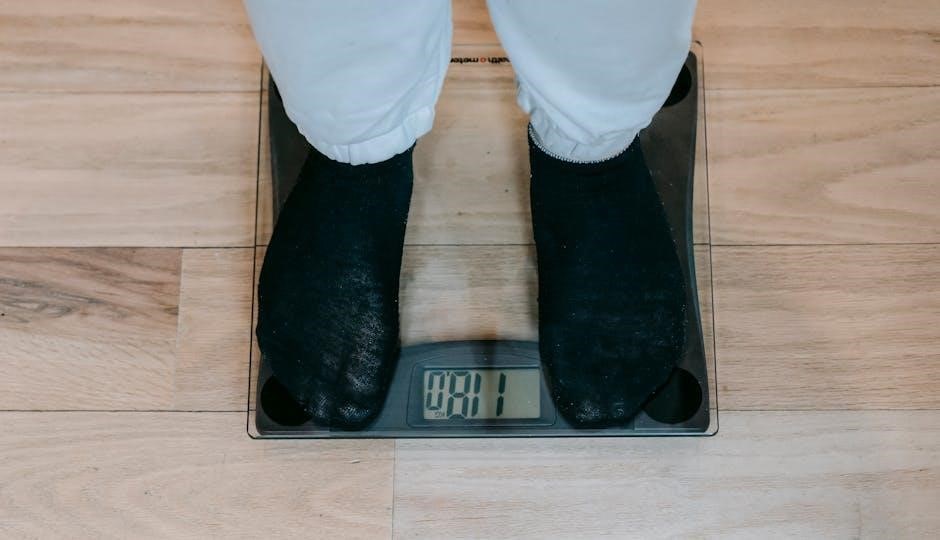
Connecting to the iHome Health & Fitness App (VeSync)
Download the VeSync app from the App Store or Google Play to unlock advanced features! Create an account and pair your iHome scale via Bluetooth for data synchronization.
Downloading and Installing the App
To begin utilizing the full potential of your iHome scale, you’ll need to download and install the iHome Health & Fitness app, known as VeSync. This application is available for both iOS and Android devices.
Simply visit the Apple App Store (for iPhones) or the Google Play Store (for Android phones) and search for “VeSync”. Locate the app developed by iHome and tap “Install”. Once downloaded, open the app to begin the account creation and device pairing process. Note that app updates may cause slight visual differences.
Bluetooth Pairing Instructions
Ensure Bluetooth is enabled on your smartphone or tablet. Open the VeSync app and follow the on-screen prompts to add a new device. The app will search for available Bluetooth devices; select your iHome scale from the list when it appears.
You may be prompted to enter a pairing code – if so, try “0000” or “1234”. Once connected, the app will synchronize with the scale, allowing you to track your data and access advanced features like Fit Personal Coach.
Creating an Account and Setting Up Your Profile
After downloading and opening the VeSync app, begin by creating a new account. You’ll need to provide a valid email address and create a secure password. Once registered, complete your profile with accurate information, including your height, weight, gender, and date of birth.
This data is crucial for precise body composition analysis and personalized wellness guidance offered by the Fit Personal Coach feature. Ensure all details are correct for optimal results.

Advanced Features – Fit Personal Coach
The built-in Fit Personal Coach, via the iHome Health & Fitness App, delivers personalized wellness guidance, progress tracking, and smarter goal setting.
Personalized Wellness Guidance
iHome’s Fit Personal Coach provides tailored insights to support your health objectives. Through the iHome Health & Fitness App (VeSync), receive customized recommendations based on your body composition data.
This feature analyzes your weight, body fat, muscle mass, and more, offering actionable advice to optimize your fitness routine and dietary choices. The app adapts to your progress, continually refining guidance for sustained results. Embrace a holistic approach to wellness with personalized support designed specifically for you.
Progress Tracking and Goal Setting
The iHome Health & Fitness App (VeSync) empowers you to monitor your health evolution over time. Visualize your data through intuitive charts and graphs, tracking changes in weight, body fat, and other key metrics.
Set realistic, achievable goals tailored to your individual needs and aspirations. The app allows you to define targets and monitor your advancement, providing motivation and encouragement along the way. Celebrate milestones and stay committed to your wellness journey with data-driven insights.
Data Synchronization and Analysis
Seamlessly synchronize your body composition data from the iHome scale to the VeSync app via Bluetooth. This automatic transfer ensures your measurements are securely stored and readily accessible.
The app then analyzes this data, providing comprehensive insights into your body’s composition trends. Identify patterns, understand the impact of lifestyle choices, and gain a deeper understanding of your overall health. Detailed reports and visualizations help you make informed decisions.
Full Body Composition Analysis
This iHome Smart Scale measures more than weight; it analyzes body fat percentage, muscle mass, water percentage, bone mass, and body weight without fat.
Measuring Body Fat Percentage
The iHome scale utilizes bioelectrical impedance analysis (BIA) to estimate your body fat percentage. BIA sends a harmless, low-level electrical signal through your body, measuring resistance. Fat tissue offers higher resistance than muscle tissue, allowing the scale to calculate fat mass.
Ensure your feet are clean and dry for accurate readings. Stand still on the platform during the measurement process. The result, displayed as a percentage, indicates the proportion of your body weight that is fat. Remember, this is an estimate, and individual results may vary.
Calculating Muscle Mass
Similar to body fat percentage, the iHome scale estimates your muscle mass using bioelectrical impedance analysis (BIA). By measuring the body’s resistance to a small electrical current, the scale differentiates between muscle and other tissues. Muscle contains more water and conducts electricity better than fat.
This calculation provides an estimate of the weight contributed by your skeletal muscles. Consistent measurements, taken under similar conditions, can help track changes in muscle mass over time, reflecting your fitness progress. Remember, this is an estimation, not a precise medical measurement.
Determining Water Percentage
The iHome scale utilizes bioelectrical impedance analysis (BIA) to estimate total body water percentage. BIA sends a harmless electrical signal through your body, measuring resistance. Water is an excellent conductor, so a higher water percentage results in lower resistance.
This metric is crucial as water comprises a significant portion of muscle tissue. Fluctuations can be influenced by hydration levels, exercise, and diet. Tracking this percentage alongside other metrics provides a more comprehensive view of your body composition and overall health.
Assessing Bone Mass
The iHome scale estimates bone mass using the same bioelectrical impedance analysis (BIA) technology as other body composition measurements. While BIA doesn’t directly measure bone density, it calculates an estimation based on the resistance to the electrical signal.
This provides a general indication of your skeletal mass, which is important for overall health and strength. Remember that this is an estimate, and a professional bone density scan offers a more precise assessment. Tracking changes can reveal trends over time.
Body Weight Without Fat Calculation
The iHome scale calculates your body weight without fat by subtracting your estimated fat mass from your total weight. This metric provides a clearer picture of your lean body mass, offering insight into your progress beyond just the number on the scale.
It helps you understand how much of your weight is comprised of muscle, bone, and water. Tracking this value alongside other body composition metrics can be a valuable tool for achieving your fitness goals and monitoring overall health.

Troubleshooting Common Issues
If the iHome scale isn’t working, check the batteries, ensure proper placement, and verify Bluetooth connectivity within the VeSync app for solutions;
Scale Not Turning On
If your iHome scale fails to power on, begin by verifying the battery installation. Ensure the three AAA batteries are correctly positioned within the battery compartment, observing the proper polarity (+ and -).
Next, try replacing the batteries with a fresh set, even if the existing ones appear to have some charge. Low battery power is a common cause of this issue. Confirm the battery compartment door is securely closed, as a loose connection can prevent operation.
If the problem persists, a reset might be necessary – remove the batteries, wait a few minutes, and then reinsert them.
Inaccurate Weight Readings
If your iHome scale provides inconsistent or inaccurate readings, ensure it’s placed on a hard, level surface. Carpets or uneven floors can significantly affect accuracy. Avoid placing the scale near walls or objects that might interfere with the weighing process.
Verify you are standing still and evenly distributing your weight on the weighing platform. Step onto the scale with both feet simultaneously. Also, confirm the correct weight unit (lbs or kg) is selected.
If issues continue, try recalibrating the scale by following the initial calibration steps outlined in the manual.
Bluetooth Connection Problems
Experiencing difficulty pairing your iHome scale with the VeSync app? First, ensure Bluetooth is enabled on your smartphone or tablet. Confirm the scale is in pairing mode – typically activated by holding a button. Bring the scale and your device close together during the pairing process.
Close and reopen the VeSync app, or try restarting your mobile device. Check for app updates in the App Store or Google Play Store. If problems persist, try forgetting the scale in your Bluetooth settings and re-pairing.
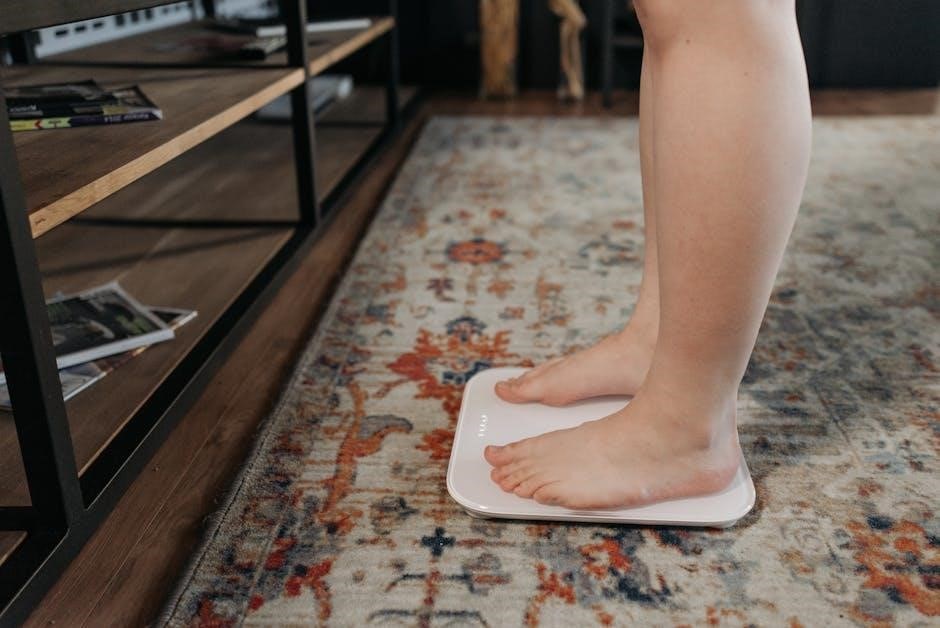
Maintenance and Care
To maintain your iHome scale, regularly clean it with a damp cloth. Store horizontally, ensuring a dry environment for optimal performance and longevity.
Cleaning the Scale
Regular cleaning ensures the longevity and accuracy of your iHome Digital Bathroom Scale. To clean, gently wipe the weighing platform and exterior surfaces with a slightly damp cloth. Avoid using harsh chemicals, abrasive cleaners, or excessive water, as these can damage the sensors or display.
Ensure the scale is completely dry before use. Do not immerse the scale in water or any other liquid. For stubborn marks, a mild soap solution can be used, followed by a thorough wipe with a clean, damp cloth and drying. Proper cleaning contributes to consistent and reliable weight measurements.
Storage Recommendations
To maximize the lifespan of your iHome Digital Bathroom Scale, store it in a cool, dry place when not in use. Avoid areas with high humidity or extreme temperatures, as these can affect the scale’s accuracy and performance. It is recommended to store the scale horizontally to prevent any potential strain on the sensors.
Keep the scale away from direct sunlight and potential physical damage. Proper storage ensures the scale remains in optimal condition, providing consistent and reliable weight measurements for years to come.
FSA/HSA Eligibility
The iHome Smart Body Scale is eligible for purchase with funds from your Flexible Spending Account (FSA) or Health Savings Account (HSA).
Using Health Savings Accounts for Purchase
iHome scales qualify as eligible medical expenses for Health Savings Accounts (HSAs), allowing you to utilize pre-tax dollars for purchase. To use your HSA, simply present your HSA card at the point of sale, whether online or in a physical store.
Ensure the scale is purchased for health-related purposes, as required by HSA guidelines. Keep your receipt for documentation, and consult your HSA administrator for specific eligibility requirements and any necessary forms. Utilizing your HSA for this purchase can provide significant tax advantages.
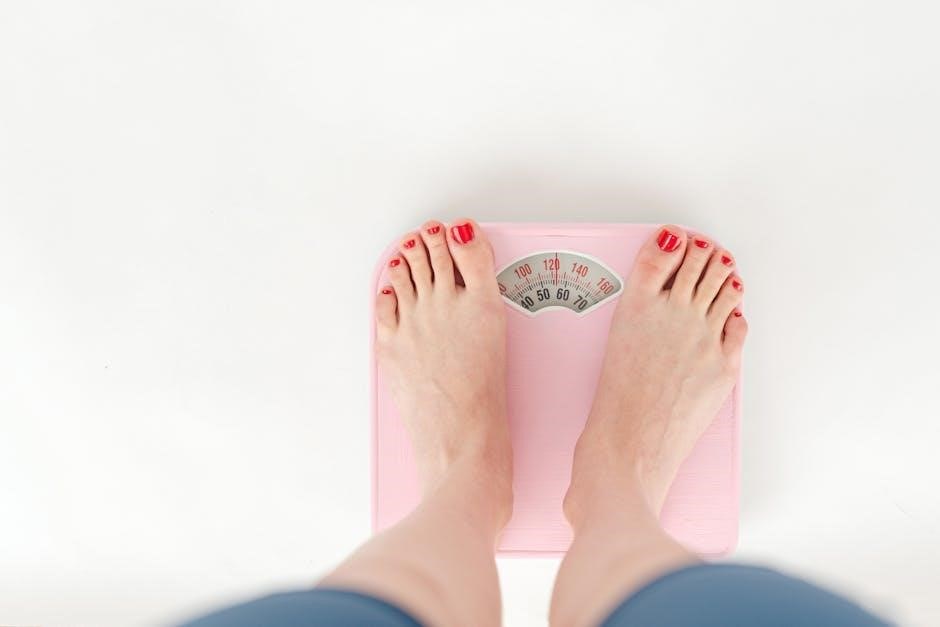
Safety Precautions
iHome scales are designed for household use only. Avoid using the scale if it’s damaged, and never immerse it in water. Do not disassemble the scale; repairs should only be performed by qualified personnel.
This device is not intended for diagnostic purposes. Individuals with pacemakers or other implanted medical devices should consult their physician before use. Keep the scale on a stable, level surface during operation, and avoid standing on the edge.